
How to Skip Chest Animations in Warhammer Survivors
Check chest-skip controls for Steam hotfix 2.1.6 and the earlier developer FAQ, including what remains unclear on other platforms and rollout timing.
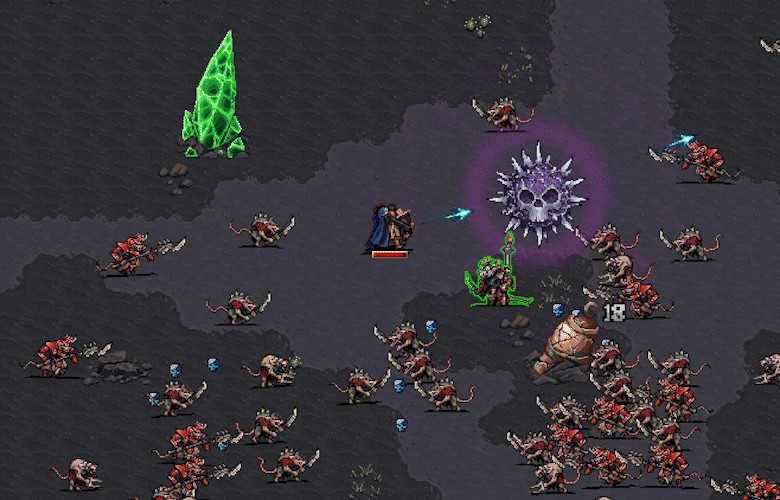
Steam: Auroch Digital says its November 11, 2026 hotfix v2.1.6 lets players skip the chest sequence by pressing any button. Update the game on Steam before relying on the new control.
The developer announced that the same hotfix changes were planned for GOG, PlayStation 5, Xbox Series X|S, Switch 1 and 2, and mobile from the following week. That is a planned rollout, not proof that any specific non-Steam platform has already received it.
Earlier controls and the first chest of each rarity
The developer’s known-issues FAQ, last dated November 10, says chest sequences become skippable after the first chest of each rarity, using mouse right-click, Esc or the gamepad B button. This statement predates the Steam hotfix. The hotfix notes change the input but do not explicitly say whether the first-chest condition changed, so we cannot confirm that condition for v2.1.6.
If a skip is not working, check your platform and installed version, then consult the latest official notes. We have not tested the hotfix in-game.
Sources: Auroch Digital hotfix v2.1.6 and developer FAQ.
FAQ
How do I skip a chest sequence?
Related Articles
guides
Warhammer Survivors News: Official Updates
Follow official Warhammer Survivors news and update channels, with a dated launch timeline and clear limits on what the official sources confirm.
guides
Warhammer Survivors Release Date Trailer
Find the official Warhammer Survivors release date reveal trailer linked by Auroch Digital, when it was announced, and what the video page does not verify.
guides
Warhammer Survivors Hotfix 2.1.6 Patch Notes
Read the developer’s Steam hotfix 2.1.6 changes to chest controls, enemy difficulty, paint pot objectives and rescue behavior, with platform timing.